MSY Developer
Services

Web and stores

  • Website
  • E-commerce
  • 3D web
  • Maintenance and support

AI and search

  • AI solutions
  • GEO: AI search
  • SEO and Google visibility

Bots and automation

  • Telegram and WhatsApp bots
  • Business automation
  • Web scraping and data
  • API and integrations

Software and apps

  • Custom software
  • Mobile apps
  • Desktop apps
  • Bug fixing and project rescue
  • Events and accreditation
  • Software for the Deaf
All services
IndustriesProjectsBlogAboutContactGet a Price
ENTR
ENTR
HomeServices
Web and stores
  • Website
  • E-commerce
  • 3D web
  • Maintenance and support
AI and search
  • AI solutions
  • GEO: AI search
  • SEO and Google visibility
Bots and automation
  • Telegram and WhatsApp bots
  • Business automation
  • Web scraping and data
  • API and integrations
Software and apps
  • Custom software
  • Mobile apps
  • Desktop apps
  • Bug fixing and project rescue
  • Events and accreditation
  • Software for the Deaf
IndustriesProjectsBlogAboutContactGet a Price
MSY Developer

Websites, mobile apps and custom software for businesses. Based in Konya, Türkiye, we work with clients everywhere.

Konya · local time--:--

Services

  • Website Development
  • E-Commerce
  • Custom Software
  • Automation & Integrations
  • Mobile Apps
  • Maintenance & Support
  • Software for the Deaf Community
  • Desktop Apps
  • Event & Accreditation Systems
  • SEO & Google Visibility
  • AI Solutions
  • GEO (AI Search Visibility)
  • Telegram & WhatsApp Bots
  • Web Scraping & Data Extraction
  • API & Integrations
  • Bug Fixing & Project Rescue
  • 3D Web

Quick Links

  • Home
  • Projects
  • About
  • Blog
  • Industries
  • Glossary
  • Software Development in Konya
  • Contact

Contact

  • WhatsApp+90 537 201 20 24
  • Emailmehmetsalihyaldiz@gmail.com
  • AddressKonya, Türkiye

© 2026 MSY Developer. All rights reserved.

  • Privacy·
  • Terms·
  • KVKK·
  • Editorial policy·
HomeServicesIndustriesProjectsBlogContact
  1. Home
  2. Blog
  3. What Is Web Scraping and How Do Businesses Use It?
Web Scraping & Data Extraction

What Is Web Scraping and How Do Businesses Use It?

What is web scraping (data extraction) and how does it work? Uses such as price tracking and collecting listing or product data, how it differs from an API, technical challenges and what to watch out for.

AuthorMehmet Salih YaldızPublished: 24 November 20267 min read7 sections
What Is Web Scraping and How Do Businesses Use It?
Contents
  1. 01What is web scraping?
  2. 02Where do businesses use it?
  3. 03If there is an API, do you need scraping?
  4. 04How does it work?
  5. 05Technical challenges
  6. 06The legal and ethical side
  7. 07How to start a data extraction project

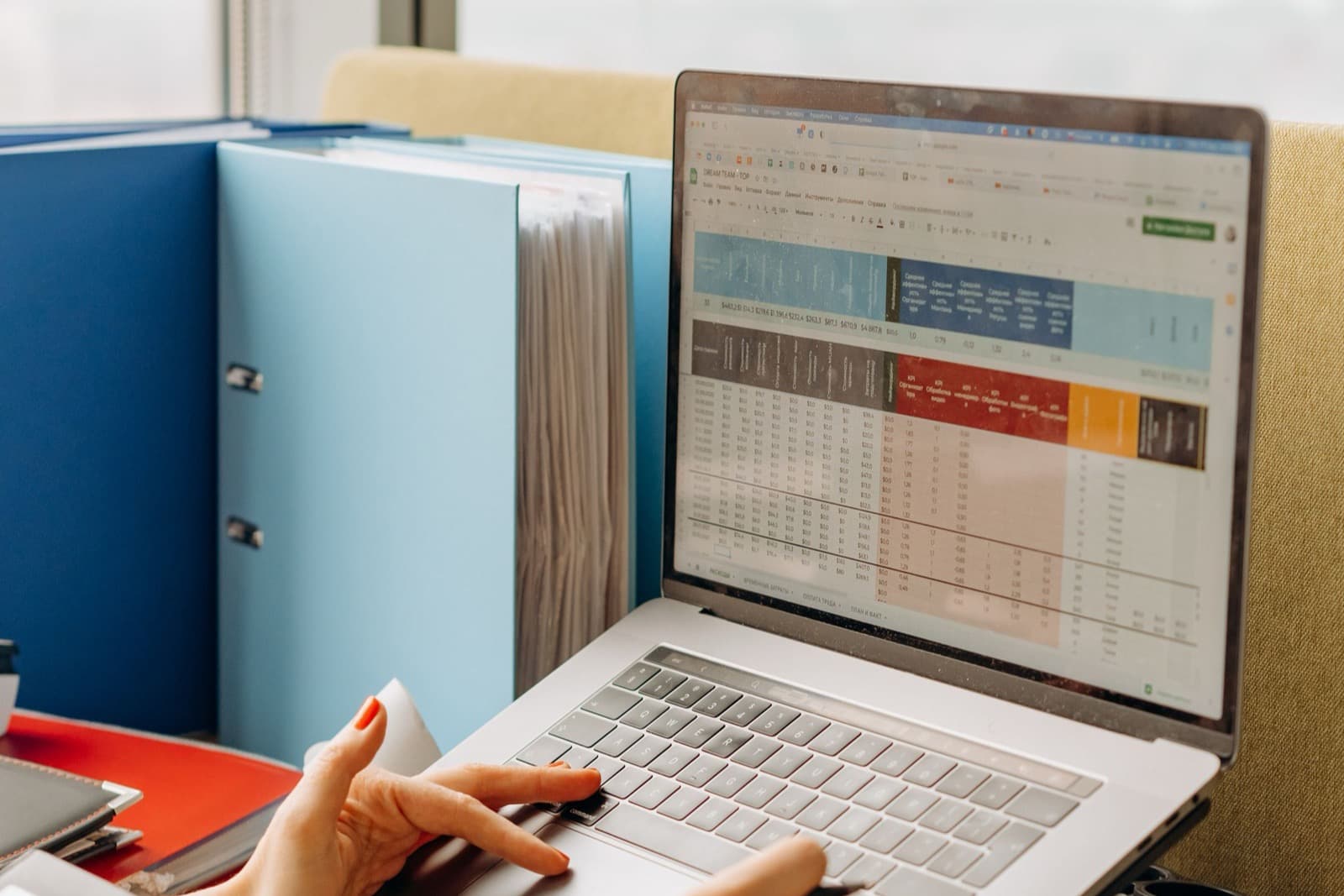
Checking competitor prices one by one every morning, copying new listings into a spreadsheet by hand or tracking stock information on a supplier’s site takes hours. Web scraping is the name of the method that automates this kind of work. This article explains what it is, where it helps and what to keep in mind.

What is web scraping?

Web scraping, also called data extraction, means a program visits web pages, reads specific information on them (product name, price, stock status, date, address and so on) and saves it in an orderly form, for example in an Excel sheet or a database.

The program does exactly what a person does in a browser, “open, look, copy, paste”; the difference is that it does it much faster, more consistently and repeatedly at the times you choose.

Where do businesses use it?

Common uses:

  • Price tracking: monitoring the prices of your own products across sales channels
  • Regularly importing supplier stock and price information into your system
  • Gathering public listings and announcements into a single list
  • Moving content from your own old website to a new one
  • Summarising public product catalogues for market research
  • Change monitoring: getting notified when information on a page changes

If there is an API, do you need scraping?

If a site or service offers its data through an official API, use that first. An API provides structured, stable data, does not break when the site’s design changes and has clear terms of use.

Scraping is usually chosen when there is no API or the API does not offer the information you need. A good solution sometimes uses both.

How does it work?

On simple pages, the program downloads the page’s HTML and reads the relevant fields with selectors. On modern sites whose content is loaded later with JavaScript, tools that run a real browser in the background (headless browsers) are used.

The collected data is cleaned, duplicates are removed, formats (dates, currencies) are fixed and the result is sent where you want it: Excel, Google Sheets, a database or your own admin panel.

Technical challenges

Facts worth knowing about scraping projects:

  • When the source site’s design changes, the program must be updated, so it needs maintenance
  • Sending requests too often strains the site and can get access blocked; requests should be spaced reasonably
  • Content behind a login or loaded page by page requires more development
  • Data accuracy should be checked regularly

The legal and ethical side

Before extracting data, check the source site’s terms of use and its robots.txt file. If personal data (names, phone numbers, emails) is collected, data protection law applies (KVKK in Türkiye, GDPR in the EU); collecting and using such data without a legal basis is a serious risk.

Copying copyrighted content (articles, photos) and publishing it on your own site is a separate problem. A practical rule: collecting public, non-personal information without straining the site and for your own internal analysis is the safest path. When in doubt, consult a lawyer.

How to start a data extraction project

Questions to clarify:

  • Which sites, and which fields, will be collected?
  • How often should the data be refreshed: daily or hourly?
  • Where should the result go: Excel, an email report, a panel?
  • Do you need a notification when something changes?

Key takeaway

Web scraping saves serious time by automating repetitive manual data collection. If you would like to talk about the data you want to collect and where it should go, send us a WhatsApp message or fill in the form.

Mehmet Salih Yaldız

Author

Mehmet Salih Yaldız

Full-stack developer at MSY Developer, building websites, management systems, automation and mobile apps since 2021.

Contents

  1. 01What is web scraping?
  2. 02Where do businesses use it?
  3. 03If there is an API, do you need scraping?
  4. 04How does it work?
  5. 05Technical challenges
  6. 06The legal and ethical side
  7. 07How to start a data extraction project
Related serviceWeb Scraping & Data Extraction
Web Scraping and Data Extraction

Related service

Web Scraping and Data Extraction

Product, price and listing data collected automatically into Excel or your panel.

What you get

  • Custom scrapers for one or many websites
  • Scheduled runs: hourly, daily or on demand
  • Output to Excel, CSV, Google Sheets, a database or an API
  • Price, stock and new-listing change alerts (email, Telegram, WhatsApp)
See the serviceGet a free quote

More articles

Guides on the same topic come first.

All articles
  • How Can Small Businesses Use AI? 8 Realistic Use CasesAI Solutions

    How Can Small Businesses Use AI? 8 Realistic Use Cases

    What can AI actually do for a small business and what can it not? Realistic uses such as customer questions, document reading, content and reporting, plus what to watch out for.

    24 November 20268 min read

  • What Is GEO? Showing Up in ChatGPT, Gemini and Google AI SearchGEO (AI Search Visibility)

    What Is GEO? Showing Up in ChatGPT, Gemini and Google AI Search

    What is GEO (Generative Engine Optimization) and how does it differ from SEO? What you can do so that ChatGPT, Perplexity, Gemini and Google AI Overviews cite your business as a source.

    24 November 20269 min read

  • What Is llms.txt? Does Your Website Need One?GEO (AI Search Visibility)

    What Is llms.txt? Does Your Website Need One?

    What is an llms.txt file, who proposed it and which AI systems use it? How it differs from robots.txt and sitemaps, an example structure and whether it is worth adding to your site.

    24 November 20266 min read

WebsitesOnline storesMobile appsCustom softwareWhatsApp automationWebsitesOnline storesMobile appsCustom softwareWhatsApp automation

Have a question about your project?

Write a few sentences on WhatsApp or by email and get a clear, written answer.

Message us on WhatsAppFill in the quote form

or email mehmetsalihyaldiz@gmail.com

HomeServicesIndustriesProjectsBlogContact