How to Prepare Content for Your Website: A Checklist
How to prepare texts, photos, logo files, service pages, FAQs and legal texts for your website. A practical checklist that speeds up the whole project.
 AuthorMehmet Salih YaldızPublished: 6 min read9 sections
Contents
Where website projects get delayed most is often not design or development but content. Texts wait to be written, photos wait to be taken, the logo file waits to be found. Yet well-prepared content not only gets your site live sooner, it is what really makes the difference on Google and in the customer’s eyes. Here is everything to prepare before your site is built, as a checklist.
Start with a list of pages
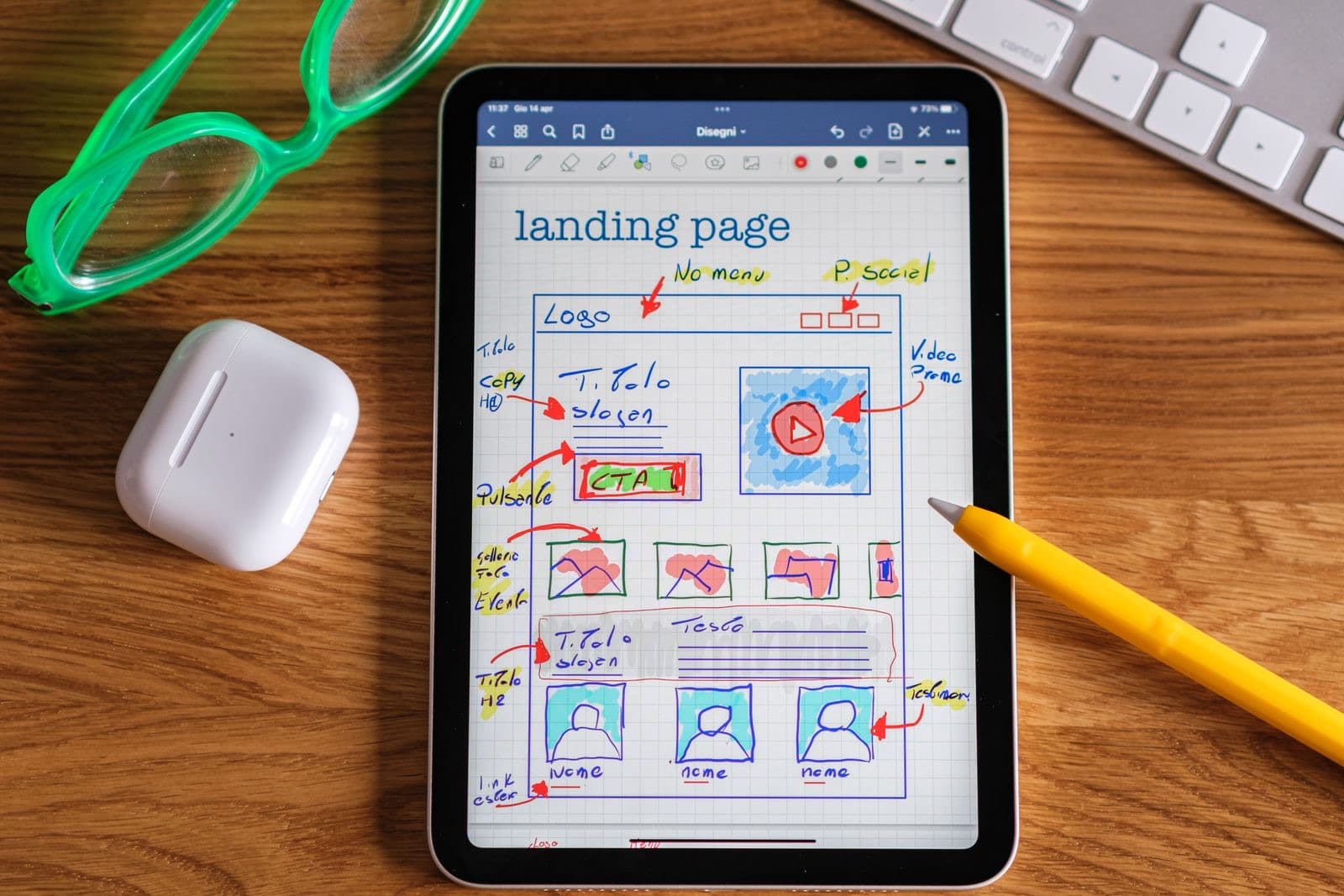
Before preparing content, decide which pages the site will have. A typical structure for a small business site is: home, about, a separate page for each service or product group, references or work, frequently asked questions, contact and legal pages.
This list is also your content plan. Opening a separate document for each page and collecting its content there makes life easier for both you and your developer.
Texts: answer the customer’s question
Good web copy starts not with “who we are” but with “what the customer needs”. Visitors arrive with a question: do they do this, where, how fast, how do I reach them? Your texts should answer these simply and briefly.
- Use short paragraphs and subheadings; most visitors skim on a phone.
- Use your customers’ words rather than industry jargon. Whatever customers type into Google should appear on the page.
- Instead of phrases everyone uses, like “quality service” or “customer satisfaction”, give concrete information: which areas you serve, how long delivery takes, how the process works.
- End every page by telling visitors what to do next: request a quote, message on WhatsApp, fill in the form.
- Do not copy text from other sites. Duplicate content causes copyright problems and makes it harder to rank on Google.
Service pages: one page per service
Rather than listing all services on one page, prepare a separate page for each main service. Customers find what they need faster, and Google can show each service for its own searches. A few paragraphs answering these questions are enough for each service page:
- What is this service and who is it for?
- How does the process work, and what are the steps?
- What determines time and price? (If you do not want to give exact prices, explaining what affects them also builds trust.)
- Does the customer need to prepare anything?
- The 3 to 5 most common questions about this service, with answers
Photos and images
Real photos always build more trust than stock images. If you can, have a professional photographer shoot your premises, team, products and work; if not, take them yourself with a good phone, in daylight and against a simple background.
- Deliver photos in landscape and high resolution (at least 2000 pixels on the long side); shrinking is easy, enlarging is not possible.
- Use the same background and angles for product photos so the catalogue looks consistent.
- Do not use photos found on Google Images or other sites. Most of them are protected by copyright.
- If you need stock photos, take them from sources whose licence allows commercial use, and note the source.
- If people’s faces are clearly visible in photos, get their permission to use them.
Logo and brand identity
A screenshot of your logo or a small JPG sent over WhatsApp is not enough for a website. Ask whoever designed your logo for a vector file: SVG, AI, EPS or a vector PDF. A vector file looks sharp at any size.
- Versions of the logo for light and dark backgrounds (if available)
- Brand colour codes (HEX or RGB)
- The typeface (font) you use
- A simplified version of the logo for the small browser-tab icon (favicon)
Contact and business details
These look minor, but when they are missing customers cannot reach you:
- Full address and map location
- Phone, WhatsApp number and email addresses
- Opening hours and holiday closures
- Links to social media accounts
- Tax office, tax number and registered company name (especially for online stores and legal texts)
- All of the above matching your Google Business Profile exactly
FAQs and references
For one week, note down the questions you are asked; your FAQ section will practically write itself. It helps customers decide and reduces the repetitive questions you receive.
If you plan to show customer testimonials or client logos on the site, get written permission from those customers first. A customer name or logo used without permission can create problems instead of trust.
Legal texts
Every site that collects personal data needs certain texts. We recommend getting legal advice to tailor them to your business:
- A privacy notice under KVKK, Türkiye’s data protection law (even a contact form collects personal data)
- A cookie policy and cookie preferences
- For online stores: a distance sales contract, pre-information form, and return and withdrawal terms
- A separate consent text if you will send marketing emails or SMS
Before you hand over the content
Finally, this kind of organisation makes working with a developer much faster:
- Collect all content in one shared folder, organised by page name.
- Read the texts once more for typos; if possible, ask someone outside your field to read them.
- Decide up front who gives final approval on content; several people requesting changes in turn drags a project out.
- If you are planning a multilingual site, do not leave translations to machine translation alone; have someone who knows the language check them at least once.
Author
Mehmet Salih Yaldız
Full-stack developer at MSY Developer, building websites, management systems, automation and mobile apps since 2021.